BYOVD attack: Paragon vulnerabilities in BioNTdrv.sys driver lead to local privilege escalation
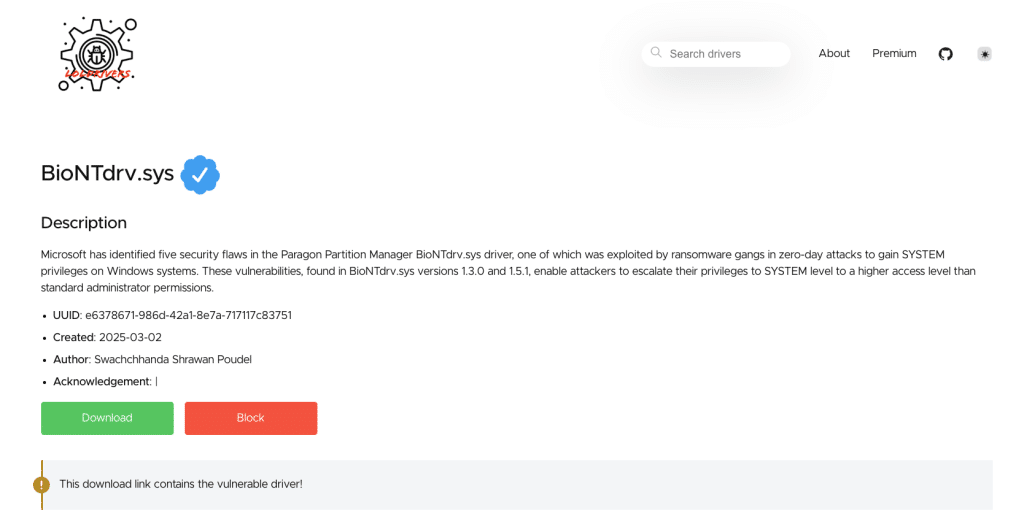
In this month’s campaign, we’re featuring a spotlight on a BYOVD attack enabled by Paragon vulnerabilities in the BioNTdrv.sys driver.
The Paragon driver BioNTdrv.sys is a kernel-mode driver that is primarily associated with Paragon’s Hard Disk Manager.
Let’s take a closer look.
The BioNTdrv.sys driver is used in operations such as:
- Partition creation, deletion, and resizing
- Converting the file system (e.g.,
NTFS <-> FAT32) - Disk cloning and migration
Paragon Hard Disk Manager and Partition Manager products, which include the BioNTdrv.sys driver, are widely used by hardware vendors like Western Digital, Toshiba, and ASUS/MSI/Gigabyte.
Recently, Microsoft found a couple of vulnerabilities in the Paragon driver BioNTdrv.sys, which was abused by ransomware groups to get SYSTEM level privileges and essentially disabling security solutions on computer endpoints. This technique is known as BYOVD, short for Bring Your Own Vulnerable Driver.
What are the BYOVD attacks?
In general, BYOVD attacks are used to disable EDR and security solutions, which can only be done by the SYSTEM user, bypassing tampering protections and using a more stealth approach rather than stopping the EDR service directly using a command like sc stop.
This means that to execute the attack, the attacker needs one of the following:
- Run as local Administrator on the endpoint and use the
SeLoadDriverPrivilegepermission. Dropping the malware that will load and eventually exploit the driver, and the driver itself.
- (Note: The driver can even be loaded into the operating system reflectively to avoid being written to disk.)
- In some cases, if the driver is already loaded on the system, the attacker can abuse it even as a low-privileged user.
- After the driver is exploited, the attacker will get SYSTEM level privileges.
Overview of the Paragon BioNTdrv.sys driver vulnerabilities
According to Microsoft the vulnerabilities in the driver are described as:
- CVE-2025-0288: Arbitrary kernel memory write caused by the improper handling of the
memmovefunction, allowing attackers to write to kernel memory and escalate privileges.
- CVE-2025-0287: Null pointer dereference arising from a missing validation of a
MasterLrpstructure in the input buffer, enabling the execution of arbitrary kernel code.
- CVE-2025-0286: Arbitrary kernel memory write caused by the improper validation of user-supplied data lengths, allowing attackers to execute arbitrary code.
- CVE-2025-0285: Arbitrary kernel memory mapping caused by the failure to validate user-supplied data, enabling privilege escalation by manipulating kernel memory mappings.
- CVE-2025-0289: Insecure kernel resource access caused by the failure to validate the
MappedSystemVapointer before passing it toHalReturnToFirmware, leading to potential compromise of system resources.
What you’ll learn in this spotlight
BYOVD is a complex technique. Failing to grasp the complexity can be proven catastrophic. Here’s everything you’ll learn in this spotlight:
- Investigate the driver to understand the impact of the vulnerabilities
- Understand the exploitation and attack flow
- Learn how to mitigate the attacks